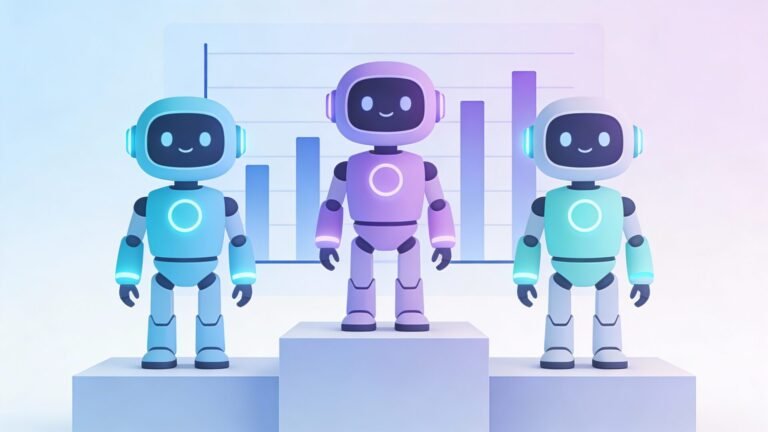
A new report from Artificial Analysis shows the top AI models are very close in overall performance. In its Intelligence Index v4.0, GPT-5.2 leads with 50 points, Claude Opus 4.5 follows with 49, and Gemini 3 Pro is right behind with 48.
For everyday use, this means there’s no single “best” AI for everything. The better move is picking the tool that fits the job.
How the benchmark works
Artificial Analysis scores models across four areas: Agents, Programming, Scientific Reasoning, and General. It also changed the tests in this version, swapping out AIME 2025, LiveCodeBench, and MMLU‑Pro for AA‑Omniscience, GDPval‑AA, and CritPt.
AA‑Omniscience checks knowledge across many topics and flags made-up answers. CritPt focuses on physics research-style problems, which are much harder than normal Q&A.
What each model is best at
Even with similar total scores, each model has a different “sweet spot.”
Great—here’s a clean “Same score, different strengths” decision grid you can drop into the blog post (as an infographic layout or as a table).typingmind+1
Decision grid content (3 columns)
| What you need | GPT-5.2 | Claude Opus 4.5 | Gemini 3 Pro |
|---|---|---|---|
| Planning & structured thinking | Best pick for outlining plans, making decisions, and breaking down complex tasks. | Strong, but usually chosen more for building and fixing. | Good for planning, especially when you’re working from lots of source material. |
| Coding & debugging | Helpful, but not the standout in the “best for coding” spot. | Best pick for real coding work; reported ~80.9% on SWE-bench Verified. | Can help with code, but commonly picked for other strengths. |
| Long docs + lots of context | Solid for summarizing and rewriting, but not the “largest context” focus. | Strong for reading and rewriting documents, especially technical docs. | Best pick when you have very long documents or lots of material to keep in view. |
| Images/video + mixed media | Works mainly as a text-first assistant depending on where you use it. | Mostly text-first depending on setup. | Best pick for multimodal work (text + images/video/audio) depending on the product version you use. |
| Reliability note (important) | Still double-check key facts for legal/medical/financial topics. | Still double-check key facts for legal/medical/financial topics. | Still double-check key facts for legal/medical/financial topics. |
- GPT-5.2: Often strong at tough reasoning tasks when using its highest reasoning setting.
- Claude Opus 4.5: Known for strong coding results, including an 80.9% score on SWE-bench Verified in recent reporting.
- Gemini 3 Pro: Commonly used for very long prompts and working across different input types (like text plus media), depending on where you access it.
A reality check (AI still makes mistakes)
These benchmarks also highlight a simple truth: AI can sound confident and still be wrong. That’s why AA‑Omniscience puts weight on catching hallucinations (made-up answers) instead of only rewarding confidence.
CritPt is another reminder that advanced “research-like” questions can still be very hard for today’s models. So if the topic is medical, legal, financial, or safety-related, double-check before you act.
Practical tips
Here’s how to use this news in real life:
- Test the same prompt in two models when it matters (like a resume, proposal, or school application).
- Ask for sources and a short checklist you can verify.
- Use AI for first drafts, then do a quick human review for names, numbers, dates, and rules.
u003cstrongu003eShould you switch tools right now?u003c/strongu003e
Not unless your current tool is failing at a task you do often. If it is, try another model for that one job (writing, studying, planning, or coding).
u003cstrongu003eWhat’s the safest way to use AI?u003c/strongu003e
Use it to save time on drafts and planning, but don’t treat it like a final judge for high-stakes decisions.